Six Free Daily Word Games I Actually Play Games like Wordle and Spelling Bee
The New York Times makes some top-notch daily word games, particularly Wordle, Connections, and Spelling Bee. I'll award honorable mentions for Strands and The Mini.
I like having a quick word puzzle to come back to each day. I can make it a daily routine, but it fits around my life and gives my brain a fun little workout. Beyond the New York Times games, these are the free daily word games I actually play. A great iPhone experience matters to me, and most of these play well in a browser too.
Full disclosure: I make Wordaround, so it’s first on the list. The rest are in no particular order.
Two of my picks come from Lex.Games. Lex Friedman makes a whole collection of daily puzzles, and I think they’re all worth checking out. You can explore the collection on the web or in the Lex.Games app for iPhone and iPad.
-
Wordaround
Free daily puzzle · Web (works on Android!), iPhone & iPad native app
How it plays
Two random letters are locked into specific spots. Fill the remaining spaces to make as many words as you can in four minutes. The daily puzzle gets harder as the week goes on. Everyone gets the same Puzzle of the Day, so you can compare your performance and vie for bragging rights with your friends and rivals.
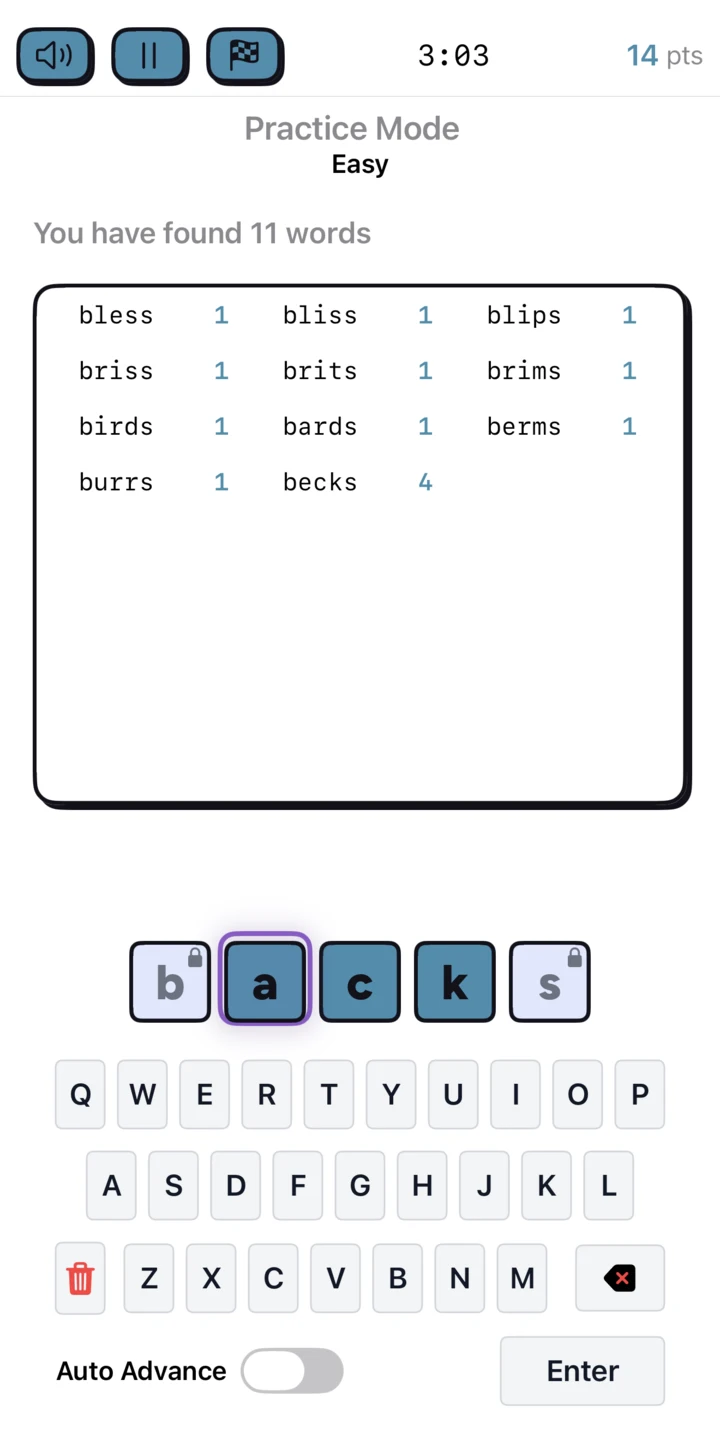
Wordaround Practice Mode on iPhone Other modes
On iOS there's a Progressive mode that has no timer--it's a little bit like Spelling Bee in that it encourages thoughtful contemplation of possible words.
Why I play it
Depending on the locked letters for a puzzle, you may have to dig deep into your knowledge of prefixes or suffixes to score points. You do get more points for making words that include rarer letters, such as j, k, x, and z.
You can set the mood for your game by choosing a "Vibe"--this affects the lively interactive background on the game's main menu, the color scheme of the entire app, and the in-game soundtrack. There are even occasional seasonal vibes.
Disclosure: I made this game. It has no ads and requires no account.
-
Letter Opener
Free daily puzzle · iPhone & iPad via Lex.Games
How it plays
You are given two or three starting letters. Make as many words as possible in 90 seconds. Longer words earn more points.
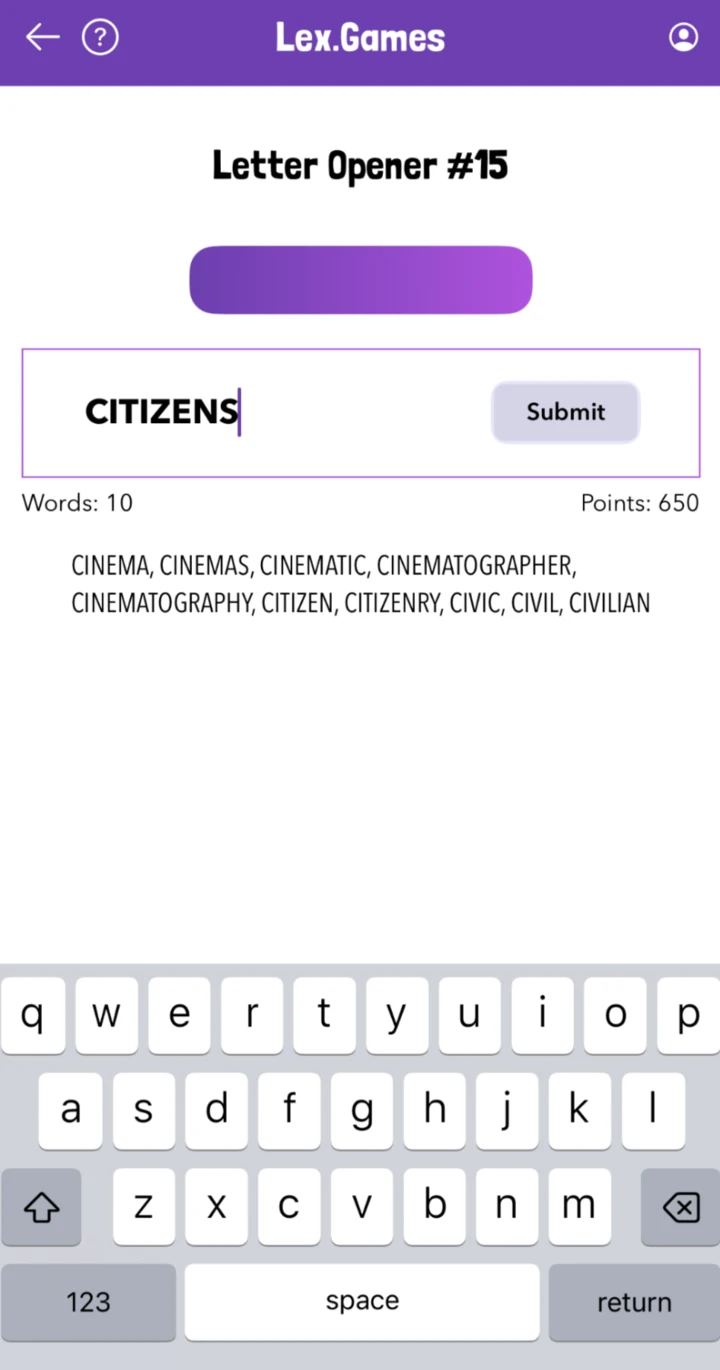
Letter Opener on iPhone · Screenshot by Lex Friedman Why I play it
This concept couldn't be easier. You're given a text field prepopulated with some letters, say, "CI", and then you have 90 seconds to think of as many words as you can that start with those letters.
The first time I played it, I found it so fun and engaging that I was deeply annoyed I hadn't thought of it.
Most of Lex's games are available on the App Store or the web, but this particular one is iOS-only.
-
WordBurger
Free daily puzzle · Web, iPhone & iPad
How it plays
This game has a simple concept, which is great--it's very easy to learn but quite difficult to think of words within those constraints in a single minute. You start with top and bottom hamburger buns, which contain the first and last letters of all the words you must make. For each word you make that starts and ends with those letters, a new layer is stacked inside your burger.
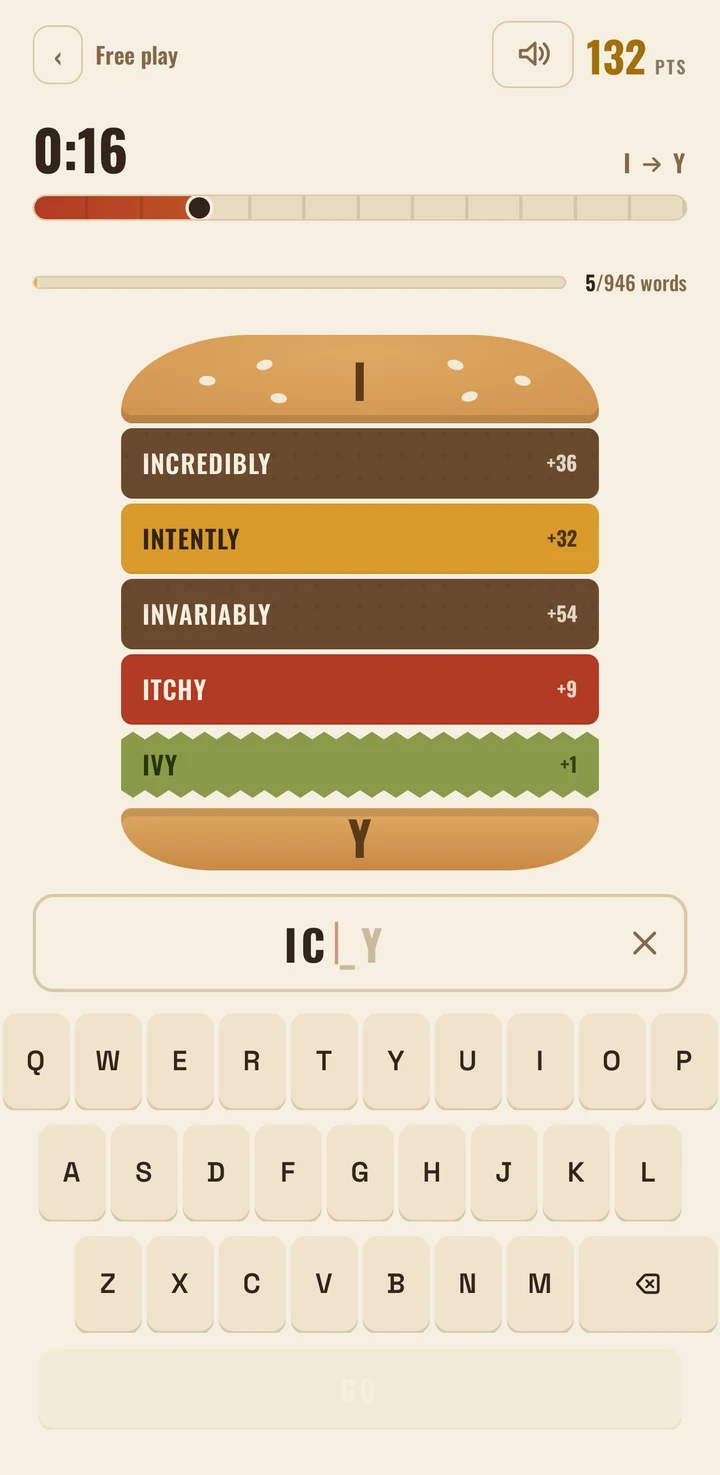
WordBurger on iPhone · Joyella Studios’ App Store listing Ways to play
In Classic Mode you have 60 seconds to stack up as many layers as possible in your word burger. There's also a Slow Cook mode without a timer, so you can find the really hard words in a relaxed environment.
Why I play it
You get more points for longer and rarer words. Also, the graphic design and theme of this game are, frankly, a delight. The burger metaphor is terrific and is a nice way to introduce the constraining letters for the words.
-
One Hit Wonder
Free daily puzzle · Web, iPhone & iPad via Lex.Games
How it plays
The board starts with one five-letter guess already color-coded, just like in Wordle. Exactly one answer fits those clues. Wrong guesses cost points and give you no extra clues.
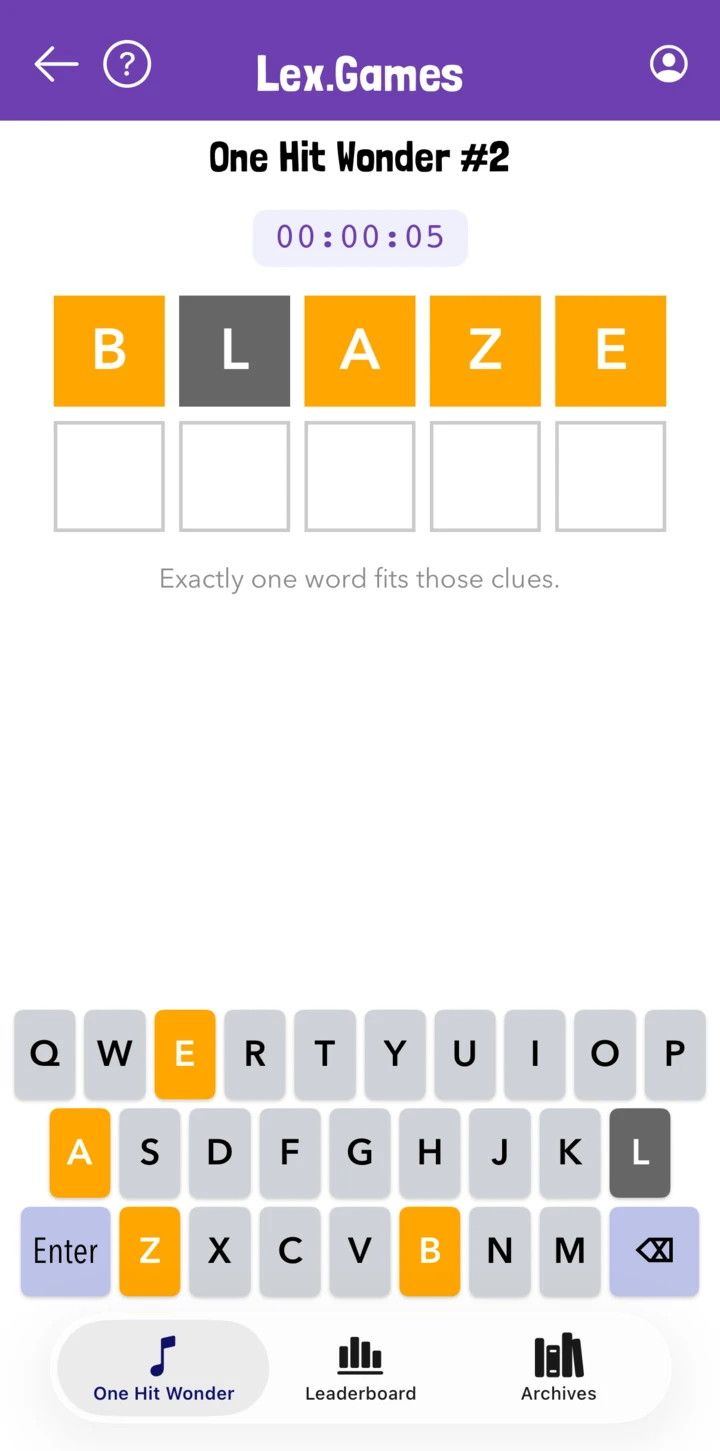
One Hit Wonder on iPhone · Screenshot by Lex Friedman Why I play it
One Hit Wonder is my favorite riff on Wordle. What I love about it is that it borrows Wordle's visual cues to show what is known or not about the word; but you're not going to get any new information on subsequent guesses--so take your time (even though the clock is ticking!).
What I’d change
I’d love to hide the clock while keeping the leaderboards. Time affects your score, even while the app is in the background, but watching it tick is distracting. Zen Mode in Settings hides both—and far too much of my self-worth depends on those leaderboards to give them up!
Nevertheless, it's very fun and quick enough to easily add to a daily word game regimen.
-
Letterary
Three free puzzles daily · iPhone & iPad
How it plays
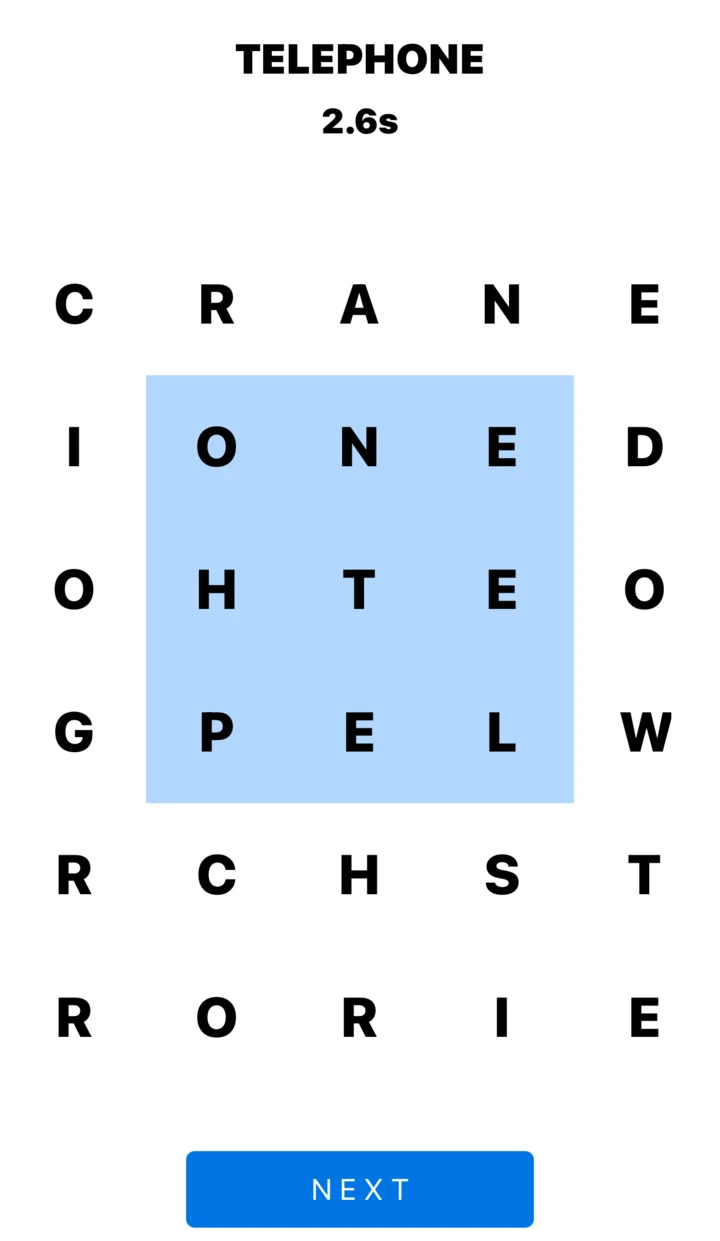
Slide from letter to letter to find a hidden nine-letter word that forms a 3×3 square. You can ask for a clue or reveal letters. An optional in-app purchase unlocks more puzzles.
Letterary on iPhone · microdj’s App Store listing Why I play it
Letterary feels word search-esque, but there's only a single word and 9 letters is long enough that even when you know they will be in a 3x3 square, it's not incredibly easy to spot. I find that sometimes I can spot the word immediately and other times it takes a couple of minutes. There's a timer, but as far as I know, the time never runs out.
Each of the 3 daily puzzles adds more letters than the one before it, making it harder to spot the actual word.
I think it has a very nice clean design with good typography. It does give some hints, and I love that they are sometimes very "literary" in nature--for instance a Charlotte Bronté quote with one word blanked out, which is the word you're trying to find.
-
Waffle
Free daily puzzle · Web, iPhone & iPad
How it plays
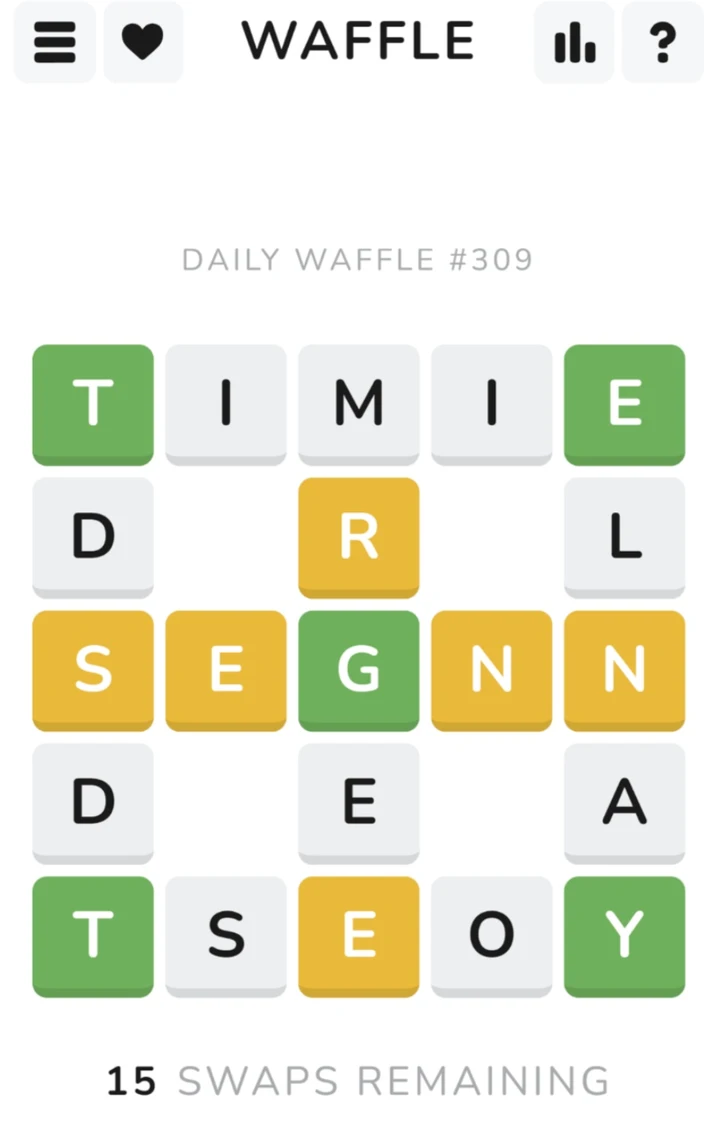
Waffle is arguably the most complex of the games on this list, but it's well worth the time to learn the rules--they are not onerous. There is a 5x5 square word grid with a few strategic tiles missing (to make it be waffle-shaped), so you need to make 6 five letter words.
Daily Waffle on iPhone · Waffle Studio’s App Store listing Reading the clues
Letters are populated on the grid, and Wordle color coding rules are used to show the letters in the right spot, right letter wrong spot, or wrong letter altogether. All tiles are used somewhere in the puzzle, but gray tiles are not used in the any of the words it is in line with. One thing to note is that a yellow letter at the intersection of a horizontal and vertical word doesn't tell you which of those two words it is used in.
Making swaps
The way you make words is by swapping tiles. You've got 15 swaps in order to solve the puzzle, so it behooves you to think ahead a few steps--if you just start swapping you might run out of swaps. To swap just tap one tile after another or drag one tile over top of the other.
What I’d change
The game is great--I will say that in my experience it did have some really annoying full screen, long, unskippable ads for Royal Kingdom. A one time $6 payment gets rid of the ads--that's probably in my future.